
MVP Landing Page That Converts: 7 Proven Strategies
Concrete Conversion Rate Optimization (CRO) strategies that have generated over $160,000 in fundraising for startups. From communicating value in the first 5 seconds to why Next.js can boost your conversions by 23%.

Luca Di Domenico
December 23, 2025 - 10 min read
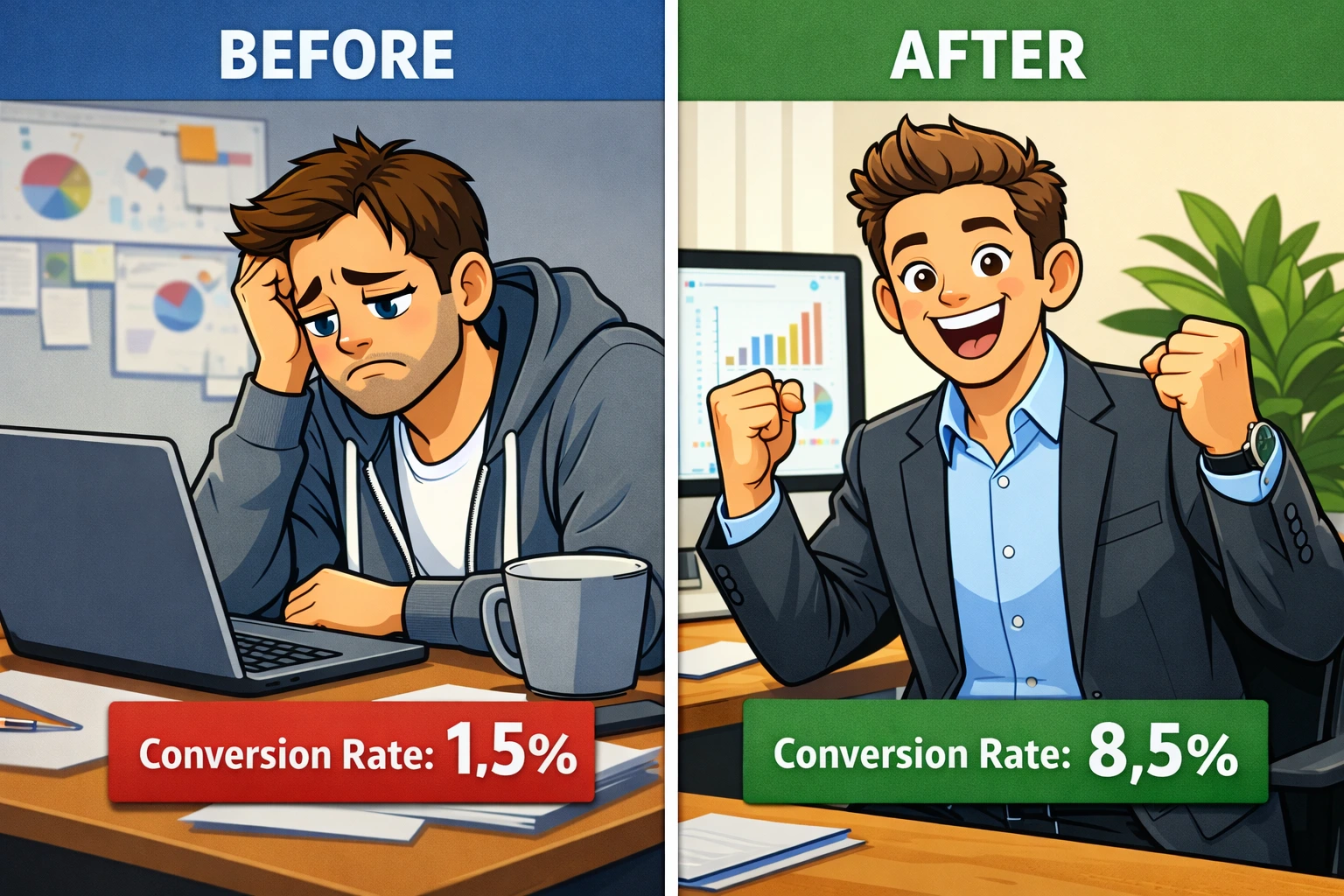
You've built your MVP, you have a working product, but visitors land on your page and leave without signing up, purchasing, or in other words, converting. Sound familiar?
The problem isn't your product. It's how you communicate it in the first 5 seconds. On average, you have 8 seconds of attention to convince a visitor that staying is worth their time.
Eight. Seconds.
After building and optimizing landing pages for MVPs that have collectively raised over $160,000 from investors and early-stage customers, I've identified 7 recurring patterns that separate landing pages that convert from the background noise.
These aren't marketing guru theories. They're strategies tested with real traffic, real users, and the limited budgets typical of early-stage startups. Every strategy I share has been validated with concrete conversion data.
Strategy 1: Communicate Value in One Sentence (Hero Section)
The hero section is the first thing a visitor sees. You literally have 3-5 seconds to answer the mental question every user instinctively asks: "What's in it for me?"
What NOT to Do (Common Mistake)
"Welcome to OurProduct, the innovative platform that uses advanced algorithms to..."
Nobody wakes up thinking "I need advanced algorithms in my life." Users have problems they need solved.
What to Do Instead
Follow this proven formula for your headline:
[Desired Result] without [Main Pain/Friction] in [Timeframe]
Concrete examples:
- "Validate your startup idea in 7 days without writing a single line of code"
- "Increase conversions by 30% without hiring a marketing team"
- "Raise your first $50k from investors in 60 days without a 40-slide pitch deck"
Notice how each headline communicates a specific result (validate, increase, raise), eliminates a friction point (code, team, complex pitch), and promises a realistic timeframe.
Sub-headline: Expand the Context
The sub-headline (below the main title) has 1-2 lines to add context and credibility. Answer "how" or "for whom":
- "The platform used by 147 founders to test MVPs with budgets under $10k"
- "Automated CRO audit system that identifies the 5 bottlenecks costing you conversions every day"
Expected result: A visitor should understand in 5 seconds whether this product solves their problem. Nothing more, nothing less.
Strategy 2: Add Social Proof Immediately
According to Robert Cialdini's principle of "social proof," people look to others' actions to decide how to behave, especially in uncertain situations. An MVP is the embodiment of uncertainty.
Where to Place Social Proof
Option 1: In the Hero Section (if you have strong numbers)
If you already have traction, show it immediately below the main CTA:
- "Used by 1,200+ seed-stage startups"
- "$420,000 raised by our users in the last 6 months"
- "4.8/5 stars from 89 founders on Product Hunt"
Option 2: Right After Hero (if you have testimonials)
Create a "Trusted by" or "What Founders Say" section immediately after the hero, with:
- Full name and role: "Marco Bianchi, Founder of StartupXYZ"
- Real photo: no generic stock photos
- Specific result: "We validated 3 hypotheses in 2 weeks and saved $15k in unnecessary development"
What If You Don't Have Customers Yet?
Use these alternatives:
- Authority Borrowing: "Built by former engineering lead at [well-known company]"
- Process Transparency: "Built on the same processes that launched [public case study]"
- Beta Validation: "17 founders in beta have already validated their ideas using this method"
Here's the data: Landing pages with social proof elements convert on average 15-25% better than those without, according to CXL Institute data (2023).
Strategy 3: Overcome All Objections with a Strategic FAQ Section
Every visitor arrives at your landing page with mental objections. Your FAQ isn't a list of generic questions: it's a system to convert doubts into trust.
How to Identify Real Objections
Don't invent FAQs. Use these sources:
- Sales conversations: Every "but..." or "how does it work if..." is an FAQ
- Support emails: Recurring questions are systemic objections
- Session recordings: Tools like Hotjar show where users hesitate
- Competitor research: Read negative reviews of competitors - those are your opportunities
FAQ Framework That Converts
Every FAQ should follow this structure:
1. Question = Specific Objection
- Poorly framed question: "How does the product work?"
- Well-framed question: "What if I don't have technical skills?"
2. Answer = Reassurance + Proof
- "78% of our users have no technical background. The platform uses a visual drag-and-drop editor: if you can use PowerPoint, you can use this. Plus, every new user gets a 30-minute 1-on-1 onboarding included in the free plan."
The 5 Universal FAQs for Every MVP
Regardless of your product, always address these objections:
- "How long does it take to see results?" (Objection: commitment)
- "Is it compatible with [tool I already use]?" (Objection: migration friction)
- "What happens if it doesn't work for me?" (Objection: risk)
- "How are you different from [known competitor]?" (Objection: differentiation)
- "Can I change my mind later?" (Objection: lock-in)
Strategic placement: Put FAQs at the bottom of the landing page, right before the final CTA. Anyone who gets that far is interested but still has doubts. The FAQ is your closer.
Strategy 4: Talk About Benefits and Transformation, Not Features
This is the mistake I see in 90% of MVP landing pages: long feature lists with bullet points that nobody reads. Users don't buy features. They buy a better version of their life or business.
The Feature to Benefit to Transformation Framework
Transform every feature into a tangible benefit using this process:
Step 1: Feature (what it does)
"Real-time analytics dashboard"
Step 2: Benefit (what you get)
"See instantly which features users engage with most"
Step 3: Transformation (how your life changes)
"Stop building features nobody wants and focus your budget on what drives revenue"
Concrete Examples: Before and After
Before (Feature-focused):
- X "API integration with 50+ tools"
- X "CSV and JSON export"
- X "Customizable templates"
After (Transformation-focused):
- "Connect your existing stack in 5 minutes without rebuilding everything" (from "API Integration" to the benefit: speed and no-disruption)
- "Take your data where you need it, when you need it" (from "Export" to the benefit: flexibility without vendor lock-in)
- "Start from professional designs and adapt them to your brand in minutes, not days" (from "Templates" to the benefit: time savings + quality)
The Question That Solves Everything
For every section of your landing page, ask yourself:
"If I were my ideal customer, would my reaction to this section be 'Cool, so what?'"
If the answer is yes, you're not communicating the benefit.
Rewrite focusing on: what changes in your customer's day/month/year after using your product?
Strategy 5: Use Concrete Numbers to Build Trust
Numbers communicate precision, tangible results, and credibility. In a sea of vague promises ("improve performance," "better results"), specific numbers make you stand out as credible and transparent.
Having astronomical numbers isn't important - share the metrics you have without making things up.
The 4 Types of Numbers That Convert
1. Social Proof Numbers (Traction)
- "Used by 1,847 startups in 12 countries"
- "$420,000 raised by our users in 2025"
- "4.8/5 stars from 127 verified reviews"
Why they work: They prove others have already made the decision (social proof).
2. Results/Outcome Numbers
- "Reduce time-to-market by 60%"
- "Save an average of $18,000 in unnecessary development"
- "Increase conversion rate by 23% in the first 30 days"
Why they work: They translate vague value into quantifiable ROI.
3. Process/Speed Numbers
- "Complete setup in 8 minutes"
- "First campaign live in under 1 hour"
- "Onboarding: 3 steps, 5 minutes"
Why they work: They eliminate the objection "it will take too long."
4. Specificity Numbers (Feature Count)
- "17 ready-to-use templates"
- "Integration with 50+ tools via API"
- "12 automated reports included"
Why they work: They communicate completeness and tangible product value.
Golden Rule: Specific Numbers Beat Round Numbers
Specific numbers are more believable than "round" numbers:
- X "Used by 1,000 startups" (sounds made up)
- "Used by 1,247 startups" (sounds real)
- X "Increases conversions by 50%" (marketing promise)
- "Increases conversions by 47% on average" (real study)
Important warning: Only use true, verifiable numbers. One discovered lie destroys more trust than 10 real numbers can build.
Strategy 6: Communicate Authority and Trust
When a user visits your MVP landing page for the first time, they have one fundamental question that overrides everything else: "Can this person/company actually solve my problem?"
Authority isn't built with phrases like "we're industry leaders."
It's built with concrete signals of competence, experience, and track record.
The 5 Pillars of Authority for MVP Landing Pages
1. Quantified Track Record
Instead of: "Years of development experience"
Use: "7+ years, 147 MVPs built, $2.3M raised by our clients"
2. Concrete Case Studies (Even Anonymous)
If you can:
- "StartupXYZ raised $180k seed 60 days after MVP launch"
If you can't name clients:
- "A fintech startup reduced churn by 34% in the first 90 days implementing our CRO strategies"
3. Credentials and Background
- "Ex-Product Manager at [well-known company]"
- "Featured in [authoritative publication]"
- "Speaker at [recognized event]"
4. Process Transparency
Show how you work. Transparency communicates confidence. Example: "Our Method" section with a breakdown of work phases.
5. Guarantees and Risk Reversal
- "30-day money-back guarantee"
- "14-day free trial, no credit card required"
- "If you don't recover your investment in 90 days, we'll refund the difference"
Guarantees don't just reduce perceived risk - they implicitly communicate: "We're so confident this works that we take on the risk ourselves."
Red Flags to Avoid (That Destroy Authority)
- X Vague claims like "Best in class," "Market leader" without proof
- X Testimonials without name/role/photo (look fabricated)
- X Poor or inconsistent design (signals lack of attention to detail)
- X Grammar/spelling errors (instantly destroys credibility)
- X Generic CTAs like "Click here" instead of specific CTAs
Strategy 7: Choose Technologies That Speed Up Your Landing Page
This strategy is often ignored by non-technical founders, but it has a direct measurable impact on conversions. According to Google, every additional second of load time reduces conversions by 7%. A landing page that loads in 1 second converts 3x more than one that loads in 5 seconds.
Why Next.js Is the Optimal Choice for MVP Landing Pages
I'll skip the technical debates. Here's why Next.js is my recommendation for 90% of MVP landing pages, in terms of business outcomes:
1. Out-of-the-Box Performance
- Automatic Code Splitting: The browser loads only the code needed for the current page
- Automatic Image Optimization: Next.js Image component compresses and serves images in optimal format (WebP/AVIF)
Practical result: Excellent Core Web Vitals = better SEO ranking + higher conversion rate.
2. Native SEO
- Integrated Metadata API for Open Graph, Twitter Cards, structured data
- Automatically generated sitemap
- Server-side rendering means crawlers see complete content (huge advantage over pure client-side rendering of traditional React)
Practical result: Your MVP landing page starts ranking organically for relevant keywords faster.
3. Developer Experience = Speed to Market
- Deploy on Vercel in literally 2 minutes (from "git push" to live)
- Automatic staging environment for every branch
- Zero webpack/babel configuration (all managed by Next.js)
Practical result: Iterating and testing landing page variants takes hours, not days. Speed = competitive advantage in the MVP phase.
4. Near-Zero Infrastructure Cost
- Vercel offers a free hosting plan for personal projects and MVPs (up to 100GB bandwidth)
- No servers to configure or maintain
- Automatic scaling (if your landing page goes viral, servers don't crash)
Practical result: Infrastructure budget ~$0-20/month even with significant traffic.
The Alternative: WordPress/Webflow
When WordPress or Webflow makes sense:
- You need no-code and don't have access to a developer
- The landing page is extremely simple (1-2 static pages)
- The team has no programming skills
Why I typically avoid WordPress for startup MVPs:
- Mediocre out-of-the-box performance (plugin bloat, inefficient database queries). Can be optimized, but requires time and expertise.
- Security: WordPress is the #1 target for exploits (requires continuous maintenance)
- Tech debt: difficult to migrate to modern stack when MVP scales
If you have limited budget and want to maximize conversion rate: Next.js + Vercel + Tailwind CSS. Complete stack, performant, and free deployment.
How to Measure If Your Landing Page Converts
These KPIs only apply if you're already driving targeted traffic to your product/service; otherwise, the problem is upstream in acquisition (targeting, channels, or ad messaging).
Here are the 5 critical KPIs for MVP landing pages:
1. Conversion Rate (Target: 2-10%)
Formula: (Conversions / Unique Visitors) x 100.
Conversion = desired action (signup, demo request, download).
For early-stage MVPs, 2-5% is good, 5-10% is excellent, >10% is exceptional.
Example: if you have 1000 visitors and 10 conversions, your conversion rate is 1%.
2. Bounce Rate (Target: <60%)
If more than 60% of visitors leave immediately, the problem is likely in your hero section: unclear message, weak value proposition, or mismatch between the expectation created by ads/links and what the landing page actually communicates.
3. Time on Page (Target: >90 seconds)
If the average is under 60 seconds, content might not be engaging enough.
If it's over 3 minutes but conversion rate is low, you have interest but probably unresolved objections or a weak CTA.
4. Scroll Depth (Target: 50%+ reach the footer)
Analyze where users abandon. If 70% leave before the pricing/main CTA section, you have a flow or content problem.
5. Core Web Vitals
- LCP (Largest Contentful Paint): <2.5s
- FID (First Input Delay): <100ms
- CLS (Cumulative Layout Shift): <0.1
Use Google PageSpeed Insights to measure. These directly impact both SEO and conversion rate.
Recommended Tools (Budget-Friendly):
- Google Analytics 4: Free, tracks all KPIs above. GDPR-Compliant alternative: Plausible Analytics.
- Hotjar (free plan): Heatmaps and session recordings to understand where users hesitate or abandon
- Google Search Console: Free, monitors SEO performance and Core Web Vitals
Want a free analysis of your MVP landing page?
Send us your landing page URL and you'll receive a free 10-15 minute video audit with concrete strategies to increase conversions. We'll respond within 48 hours.
FAQ: MVP Landing Page That Converts
What makes an MVP landing page effective?
An effective MVP landing page communicates product value within the first 5 seconds, includes social proof (reviews, clients, numbers), overcomes objections through detailed FAQs, focuses on benefits (not features), uses concrete numbers to build trust, and leverages modern technologies like Next.js to ensure optimal performance and SEO.
Why use Next.js for an MVP landing page?
Next.js offers crucial advantages for MVPs: native server-side rendering for optimal SEO, excellent Core Web Vitals for higher conversion rates, simplified deployment on Vercel (free tier available), integrated metadata API for Open Graph and Twitter Cards, and automatic image optimization. According to Google, every second of load time improvement increases conversions by 7%.
What conversion rate should an MVP landing page achieve?
For early-stage MVP landing pages, a conversion rate of 2-5% is considered good, 5-10% is excellent, and above 10% is exceptional. Benchmarks depend heavily on traffic source: organic traffic typically converts better (3-8%) compared to cold ads (1-3%). Initial focus: validate that your message resonates, then optimize the rate.
What is the most common mistake in MVP landing pages?
The most common mistake is talking about features instead of benefits and transformation. Users don't buy "dashboard with 17 customizable widgets" - they buy "save 5 hours per week" or "increase revenue by 30%." Your landing page must immediately answer: what problem do you solve? What changes in the user's life or work?
Should I include pricing on my MVP landing page?
It depends on your stage. If you're validating with early adopters or pricing is complex (B2B enterprise), a "Request Demo" or "View Plans" CTA works better. If pricing is clear and competitive (e.g., $49/month), showing it eliminates friction and pre-qualifies leads. General rule: if price is a strength, show it. If it's complex or high-ticket, hide it behind a form.
How many FAQs should I include on my landing page?
Include 5-10 strategic FAQs that address the most common objections from prospect conversations. Don't create generic FAQs - answer real objections: "What happens if...," "Is it compatible with...," "How long does it take..." Every FAQ is an opportunity to convert doubt into trust. Add FAQs progressively based on recurring questions from real users.
How do I know if my landing page has conversion problems?
Key warning signs:
- Bounce rate >60%: Problem in hero section (unclear message or expectation/reality mismatch)
- Time on page <60 seconds: Content not engaging or irrelevant
- High scroll depth but low conversion: Interest exists, but unresolved objections or weak CTA
- Core Web Vitals in "red": Technical performance negatively impacting SEO and UX
Use Google Analytics 4 + Hotjar (free plan) to diagnose. If you don't know where to start, request a free analysis through the form above.
Can I use templates for my landing page or should I go custom?
For early-stage MVPs, professional templates are often the best choice. Advantages: speed (live in days vs. weeks), lower cost, already-validated UI/UX best practices.
Investing in completely custom design makes sense when you already have traction and are optimizing micro-conversions, when brand is a key differentiator, or when you have a dedicated design budget.
More articles
Continue reading
Discover how much it really costs to develop an MVP for your startup
Read: MVP Development Cost